Add sorting to statistic table
Statistics tables now support column sorting to make it easier to compare and analyze values.
What’s included
Column sorting in statistics tables
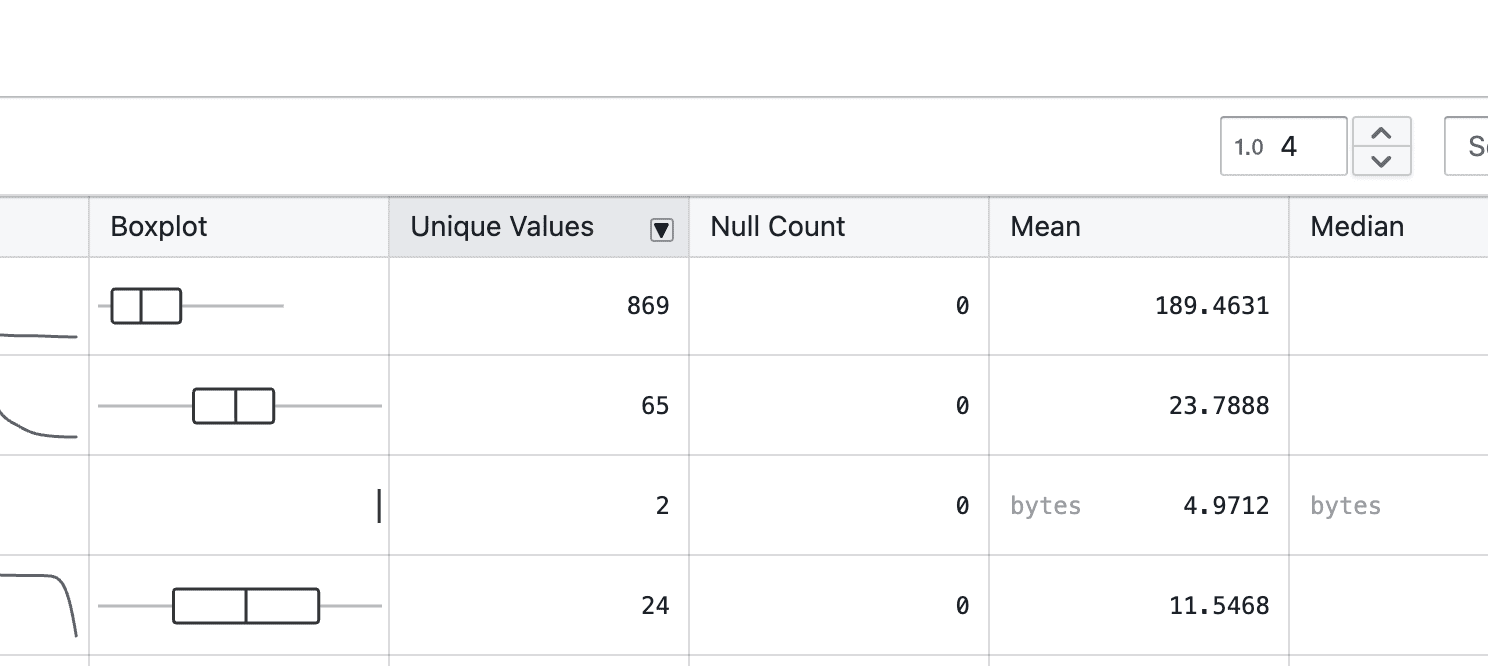
- Hover over a column header to reveal the arrow-down icon
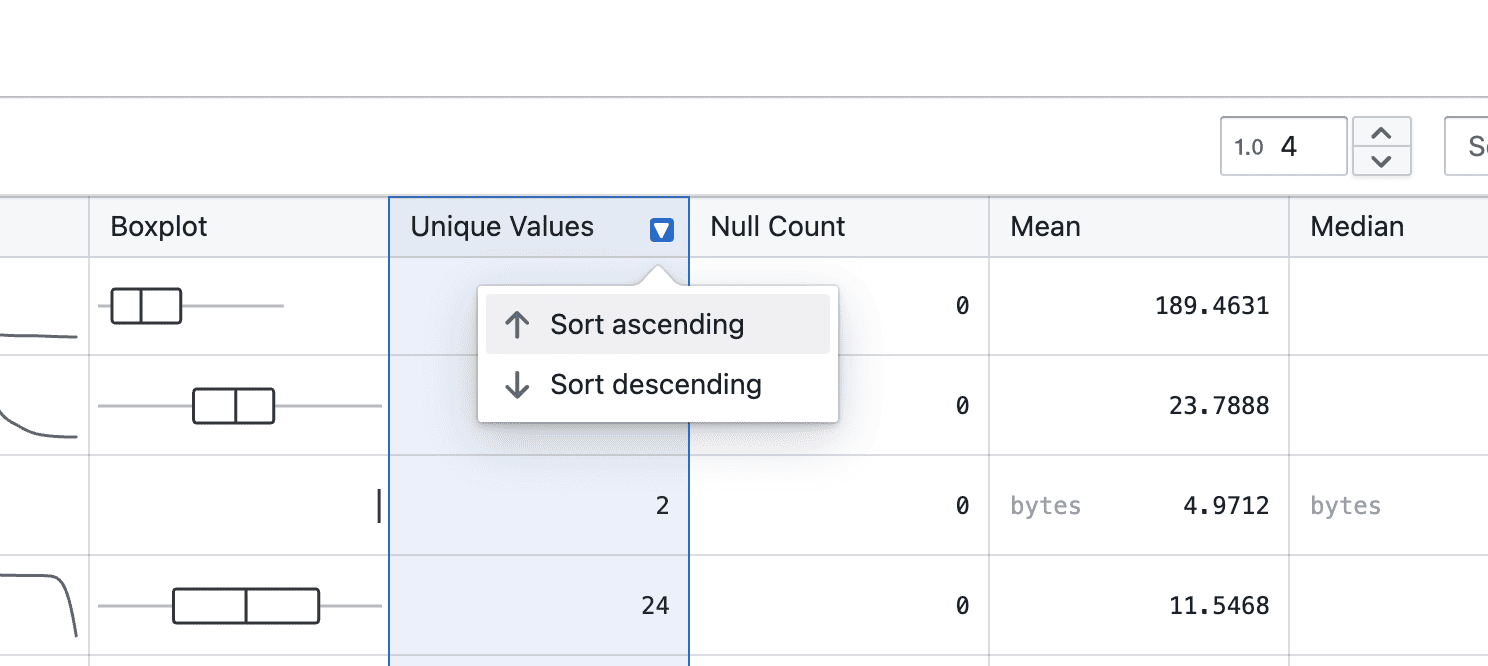
- Click the arrow-down icon to choose ascending or descending order
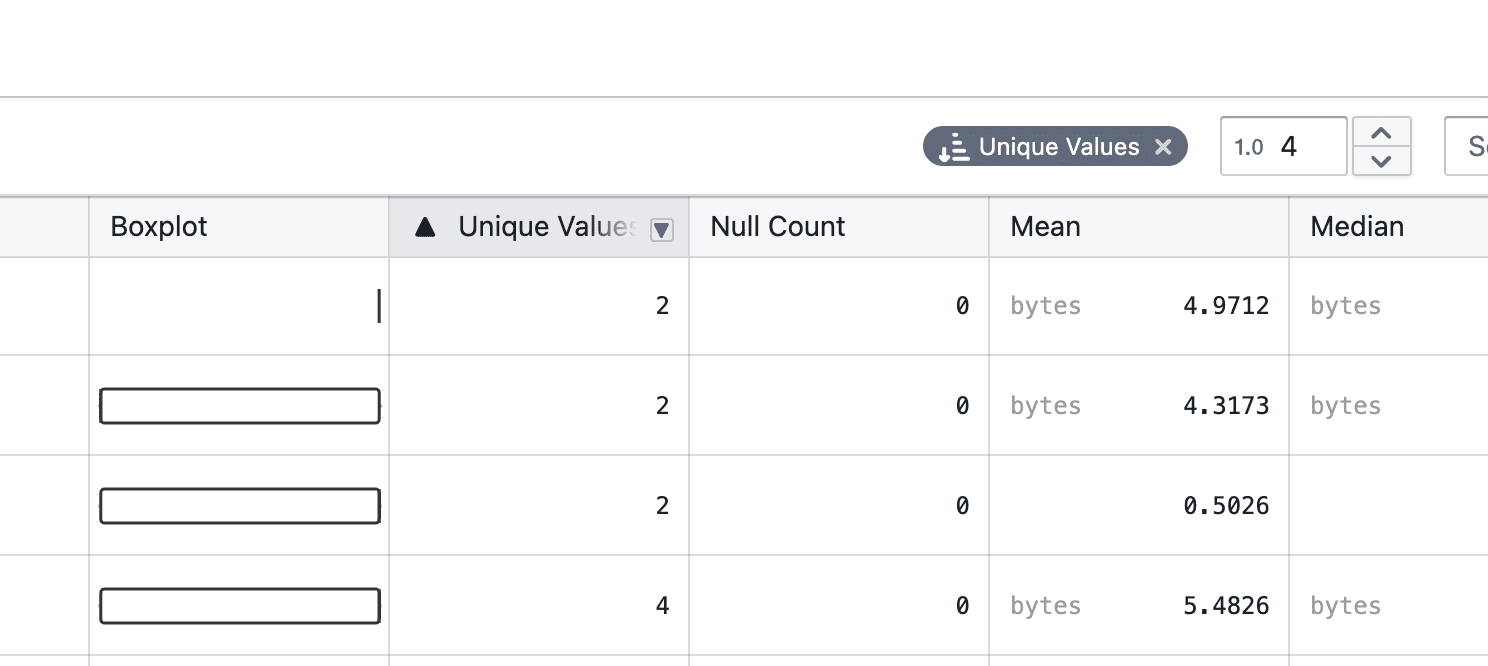
- Once selected, the active sort order is clearly indicated, and a tag appears at the top right
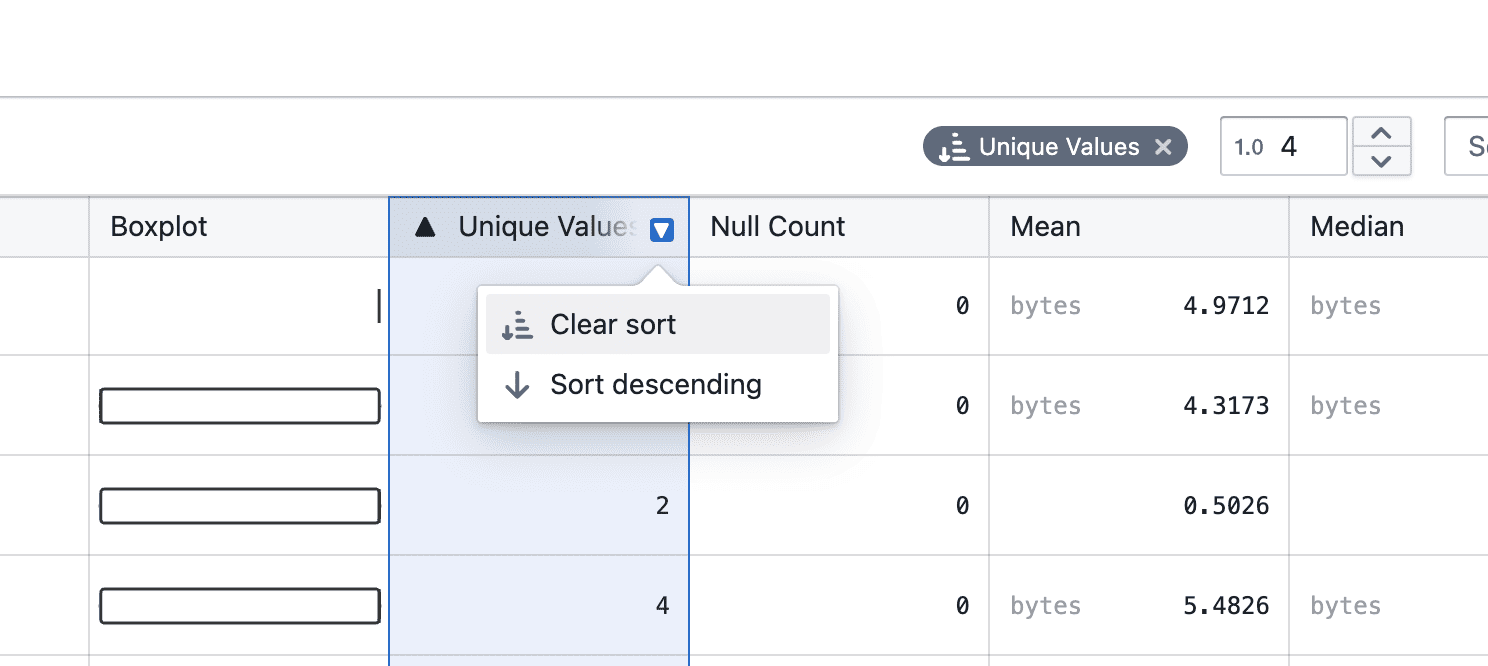
- You can change the sort direction or clear the sort by clicking the column header again, or remove it directly from the tag
Notes
- Sorting currently applies to the displayed statistics only
- Additional enhancements, such as combining sorting with filters, will be added in future iterations
- If you notice any unexpected sorting behavior, please share steps to reproduce