Saved Views for Plot and Correlations
Save and reapply chart configurations across Plot Builder and Correlation analysis. Build up a view by adding chart settings one tab at a time, then share a link to reproduce the exact setup.
What's included
Views menu

Use the Views button in the study toolbar to save, apply, and manage your chart configurations.
Save chart configurations as views
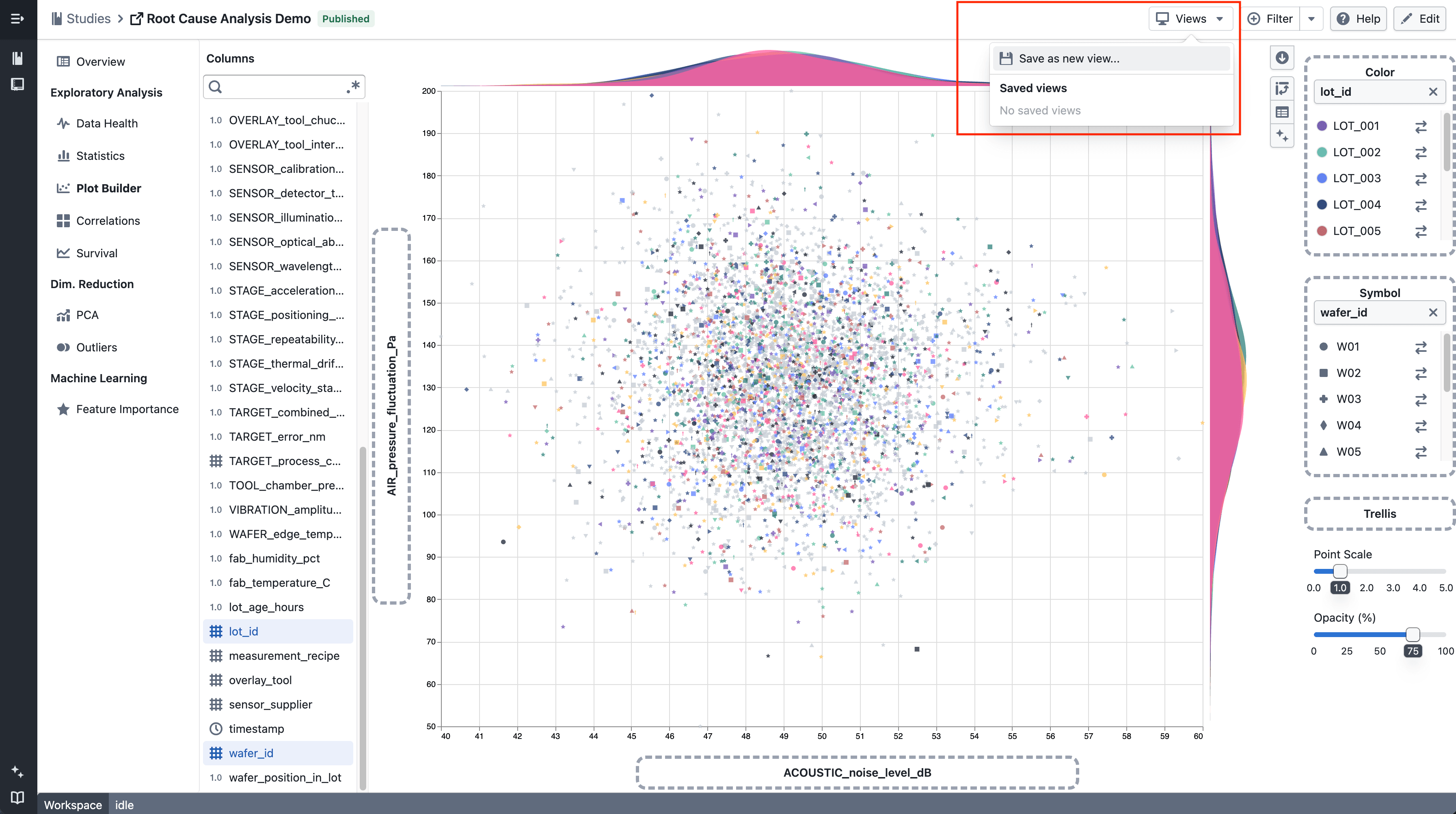
- Use Save as new view… to create a named view from your current chart configuration
- Saved views are stored per study and can be selected, applied, and deleted at any time
- Applying a view restores your axis selections, colour, symbol, and trellis encodings in Plot Builder, and your column and colour selections across all Correlation tabs
Build up a view across multiple charts
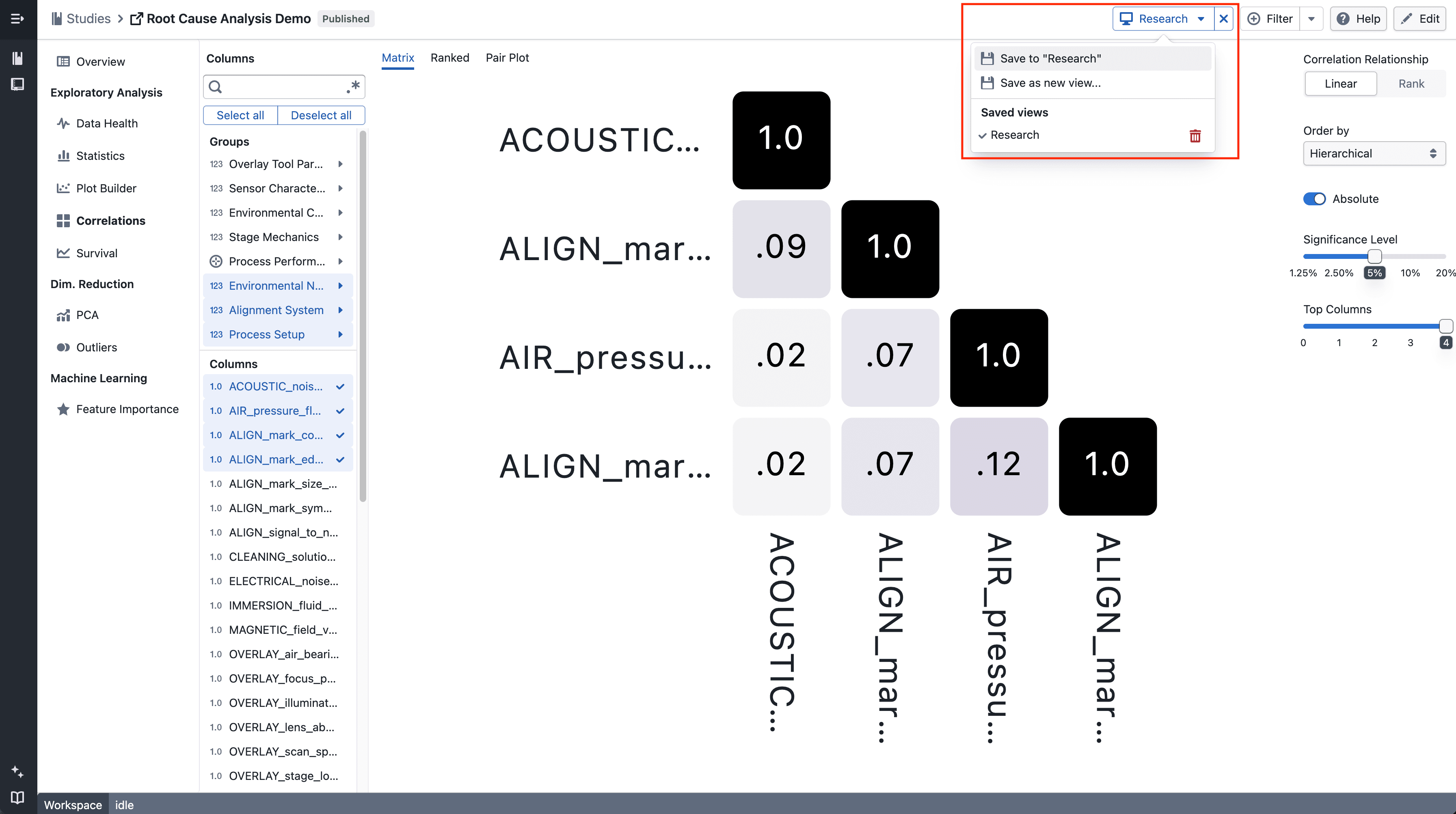
- Each chart page (Plot Builder, Correlation Matrix, Correlation Ranked, Correlation Pair Plot) contributes its own configuration slot to a view
- Use Save to "[view name]" to add or update the current page's settings into the active view without overwriting the other slots
- Navigate between charts and keep saving to build up a view that spans multiple chart types
Share a view
- When a view is active, the URL contains a
?view=parameter — copy and share it to let a colleague open the same configuration directly - Views are study-scoped, so the recipient must have access to the study
Notes
- Correlation tab settings (columns, colour) are saved independently per tab type, so Matrix, Ranked, and Pair Plot each have their own slot within a view
- Clearing a view (the × button next to the Views menu) returns each chart to its default state; it does not delete the saved view
- Views currently work for Plot Builder and Correlation only — support for PCA, Survival, and other chart types is coming soon
- This is an incremental update during beta