Add filters to statistic table
Statistics tables now support column filtering to make it easier to narrow down and analyze values.
What’s included
Column filtering in statistics tables
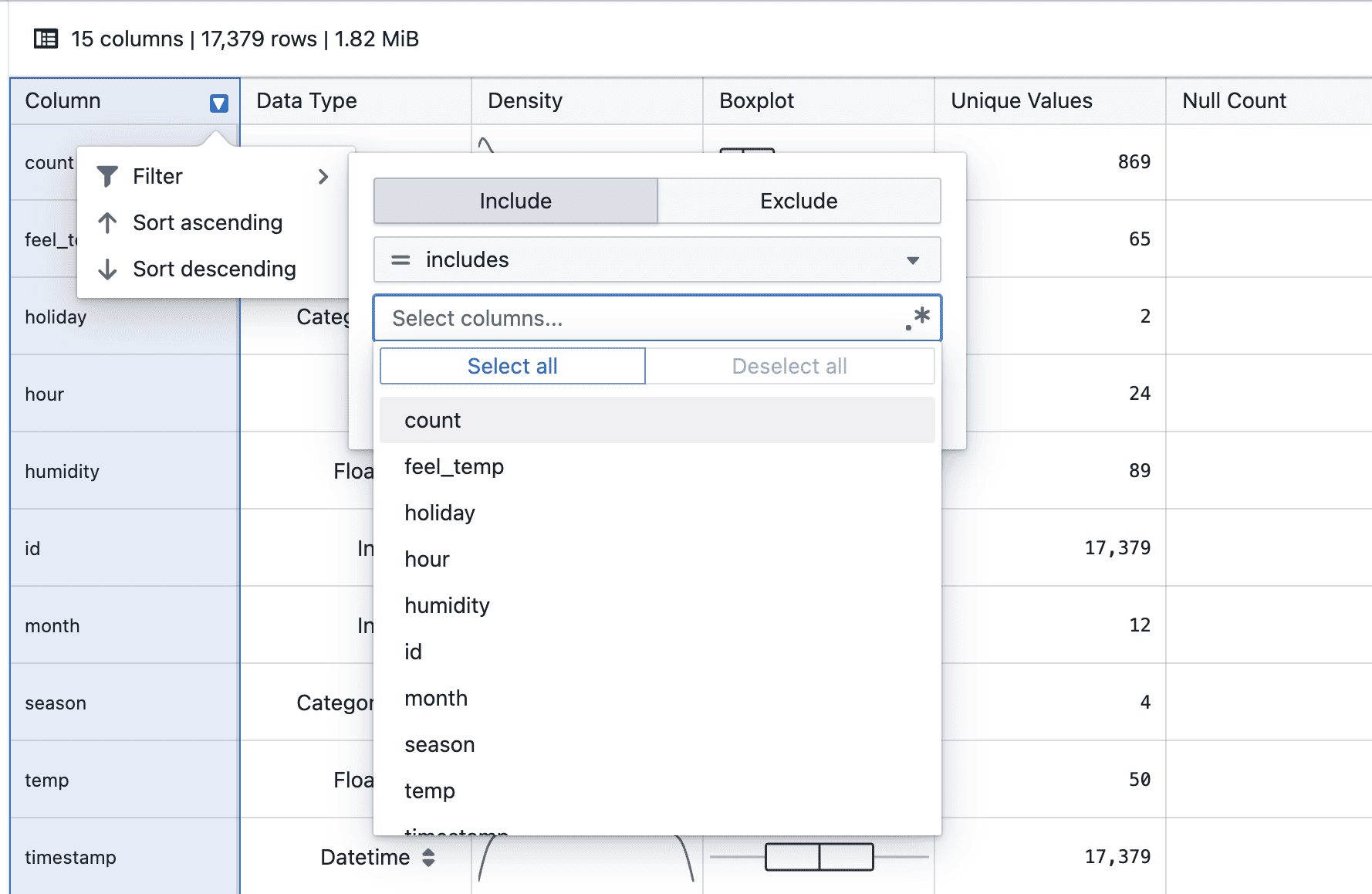
- Hover over a column header to click on filter to access the filter menu
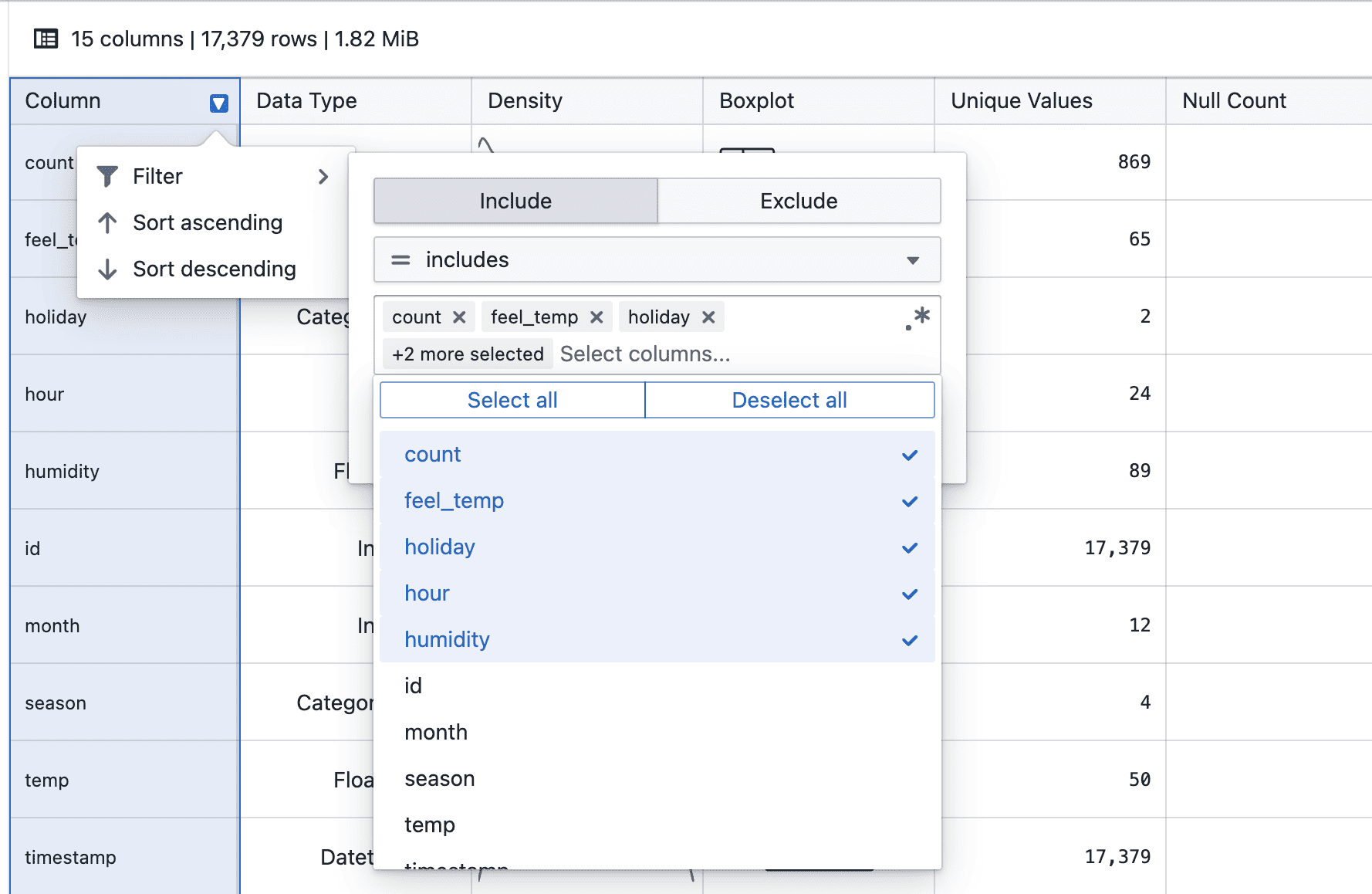
- Select a filter operator and provide a value (where applicable)
- Click Apply to add the filter condition
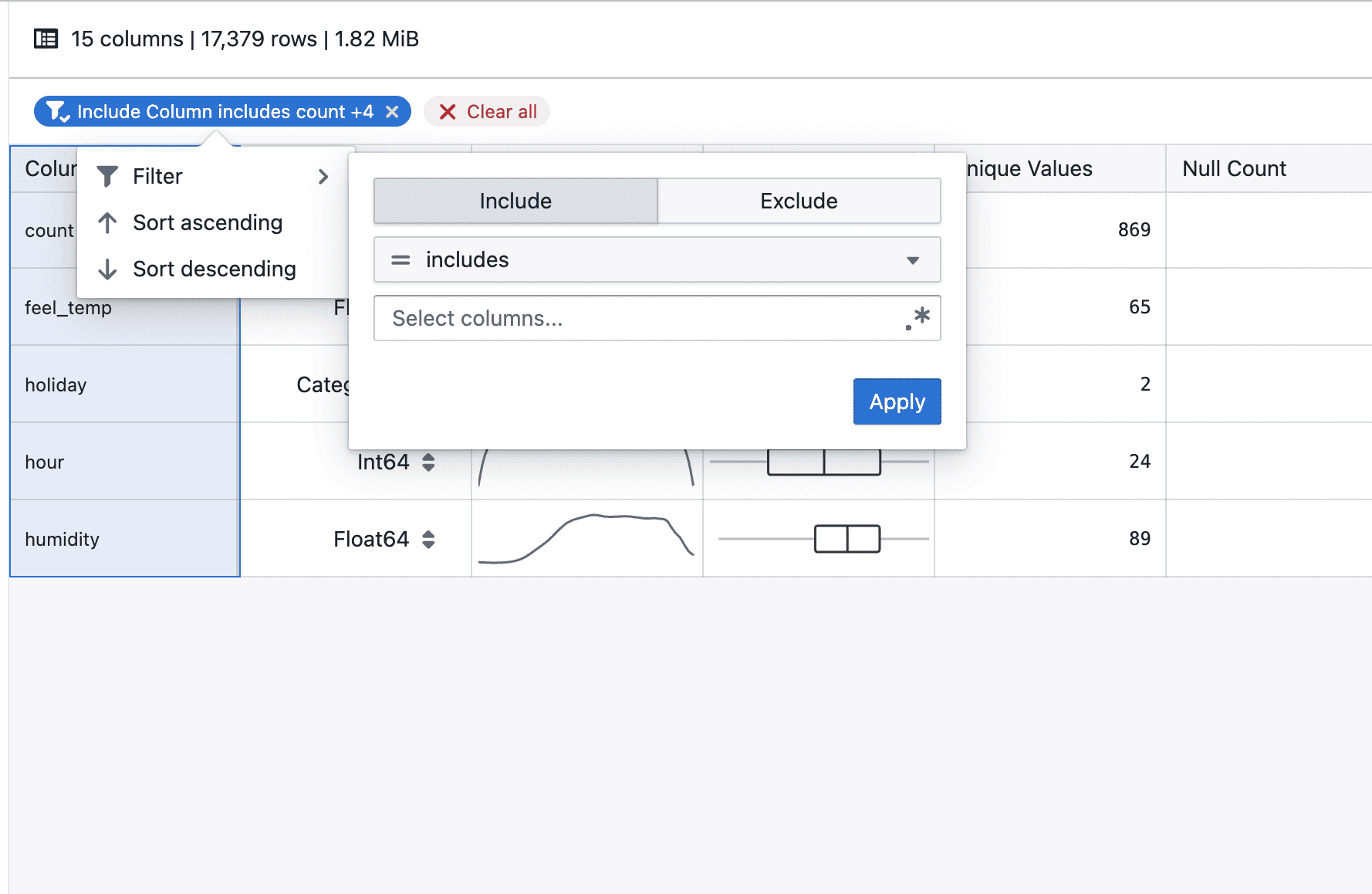
- Applied filters appear as tags below the table header
- Multiple filters can be added to progressively narrow down results
- Individual filters can be removed directly from their tags
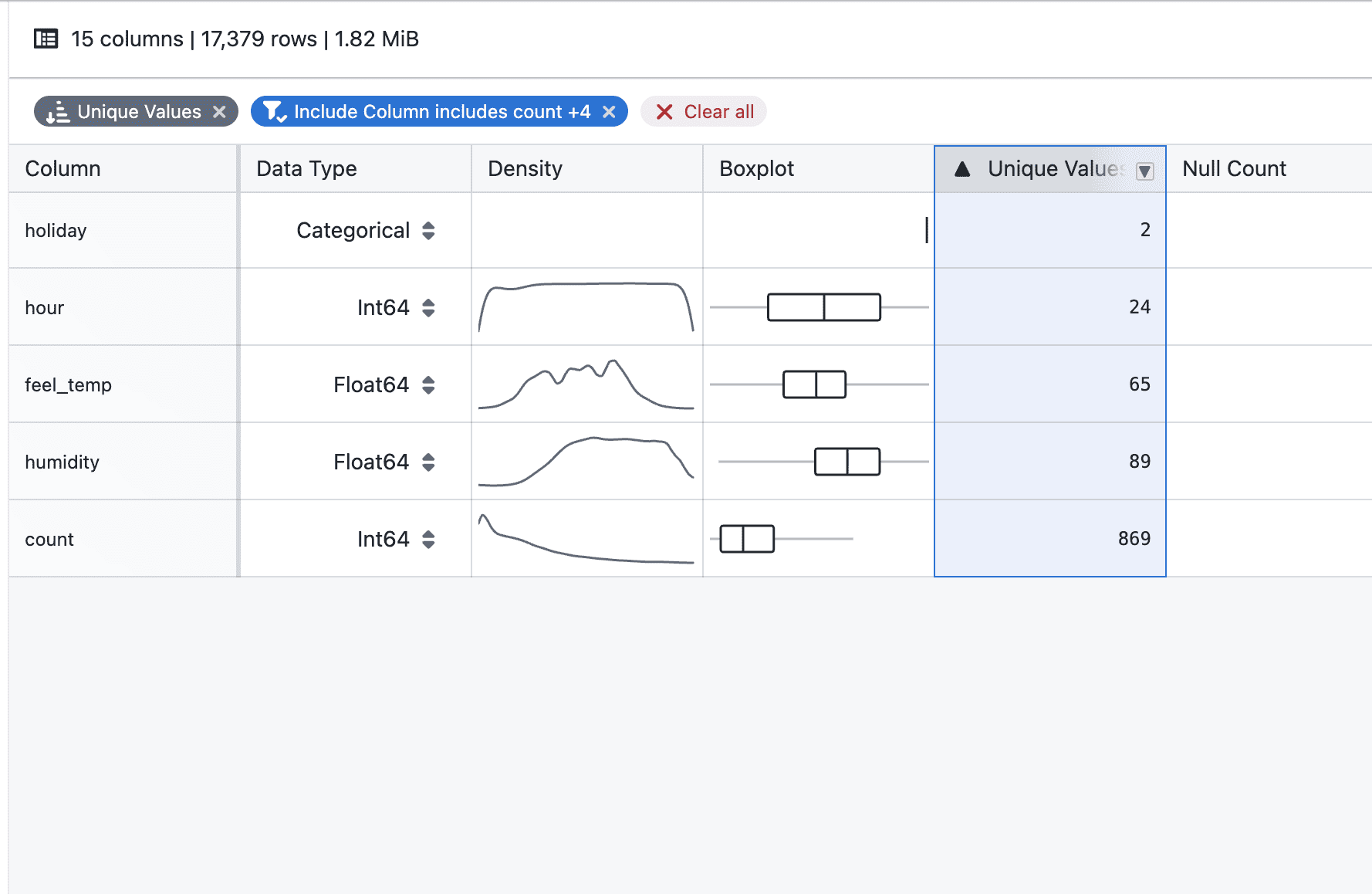
- Filtering and sorting can be used together to refine and order the displayed statistics
Notes
- Filters apply to the currently displayed statistics
- Multiple filters are combined to further narrow down results
- Sorting respects the filtered result set
- Filtering and sorting behavior may continue to evolve during the beta phase
- If you notice any unexpected behavior, please share steps to reproduce